

Keep it concise.
Just the answer they need.
Your consultation lasts 45 minutes.
Your business connected to every answer and action.
Documents, records & rules
Weather, traffic & outside context
Connect records, relationships and rules.
Handle requests with the required checks.
Test the tone and level of detail.
Add relevant weather and traffic context.
Audit the data, rules and actions.
There’s a typhoon coming. Can I move my booking to another day?
Of course, you can change your booking. A typhoon is approaching, and the studio’s severe-weather policy allows you to move it to another day. Which day would suit you?
Configured to decline unrelated requests.
Explore the data behind the answer01 Understand
Lexicon Intelligence connects your records, relationships and rules so your front-desk understands your business.
Select a concept to see how it connects.
02 Act
Find the record. Check the rules. Handle the request.
The update succeeded. The customer receives confirmation.
BK-1042 · Consultation
Identified customer and booking record24-hour notice requirement met
Studio change policyFriday · 3:30 pm
Connected booking system“Perfect.”
Customer conversationBooking updated
Update succeeded after confirmation03 Test
Choose how your front-desk sounds, then test it with your own customer questions.
“How long is my consultation?”
Just the answer they need.
Your consultation lasts 45 minutes.

More context. Clear next steps.
Your consultation lasts 45 minutes. You’re booked for 3:30 pm at Central Studio. If you need to change it, please give at least 24 hours’ notice.
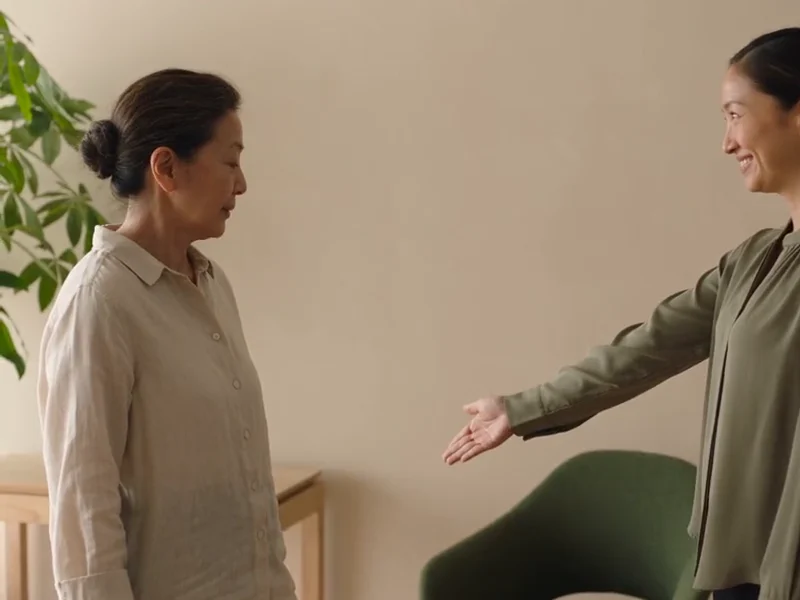
The warmth of your own team.
Of course, Mei. Your consultation lasts 45 minutes. We look forward to welcoming you at 3:30 pm.
04 Enrich
Combine Bletchley AI’s weather and traffic data with your policies to help customers when plans change.
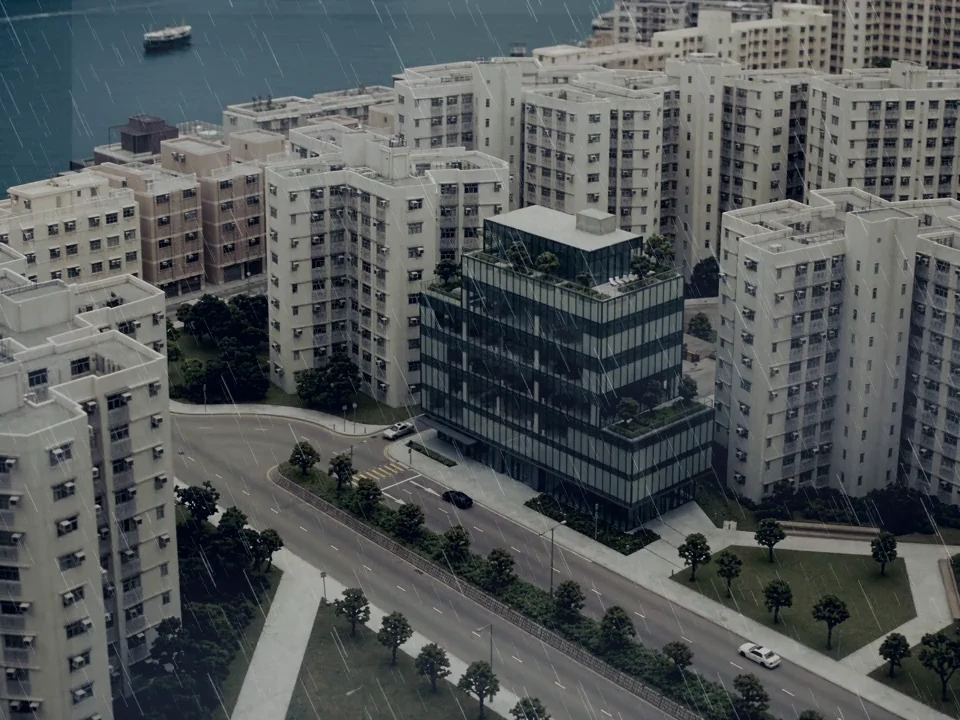
There’s a typhoon coming. Can I move my booking to another day?
Virtual front-desk
Of course, you can change your booking. A typhoon is approaching, and the studio’s severe-weather policy allows you to move it to another day. Which day would suit you?
Today, 3:30 pm · Central Studio
An approaching typhoon affects the visit.
Date changes are permitted when a typhoon affects the visit.
The still image is shown because the video could not load.
05 Review
See the data, rules and actions behind every conversation.
Could I move my appointment to Friday afternoon?
Your booking is for Thursday at 3:30 pm at Central Studio.
BK-1042 · Mei Chen · Thursday, 3:30 pm · Central Studio
Connected booking systemThere’s an opening on Friday at 3:30 pm.
Friday, 3:30 pm is available for a consultation.
Connected booking system, checked for this requestWould you like me to make that change?
Ask the customer before updating the booking. BK-1042 is unchanged.
Studio policy documentMy appointment is in two hours. Could I move it to Friday?
I can check that. What time on Friday would suit you?
BK-1042 · Mei Chen · Today, 3:30 pm. Requested change: Friday.
Booking system + customer requestAfter 3 pm, please.
Friday after 3 pm. No replacement time agreed yet.
Customer’s replyChanges within 24 hours need the studio team’s approval. Shall I pass on your request?
Two hours’ notice. Changes inside the 24-hour window require team review.
Studio change policy + booking timeYes, please.
Customer agrees to pass the request to the studio team.
This conversation · Booking unchangedI’ve passed your request and preferred time to the studio team. Your current booking is unchanged while they review it.
BK-1042 · Friday after 3 pm · Late-change approval. Conversation and checks included.
Awaiting human review · Booking unchangedCan you plan my holiday in Japan?
I can’t plan holidays. I’m here to help with Central Studio enquiries.
Appointments, services and studio policies. Holiday planning is outside this remit.
Business instructionsIf you have a question about your studio visit, I can help with that.
Decline the unrelated request and offer help within the agreed scope. No booking action taken.
Conversation record · No unrelated information retrievedSee which records informed the answer.
Understand the policy behind each decision.
See what changed or needed your team.
Product
Your business connected to every answer and action.
See how Lexicon Intelligence works
01 05Bring records and rules together, so each request has the right business context.
“Could I move my appointment to Friday afternoon?”
Information behind the reply
A reply grounded in your business
There’s an opening at 3:30 pm. Would that suit you?
Booking + availability + policy
Understand
Link each customer to their booking, service and policies, so a question comes with the context needed to answer it.
Willow Studio · example
Documents, records and rules from your business.
Weather, traffic and outside context.
Bring together your documents, spreadsheets and connected business records.
Service catalogue · Booking records · Studio policyIdentify your customers, bookings, services and locations.
Understand the business behind each question.Link each customer to their booking, service and location.
Select a concept to explore its connections.Give each action the rules, checks and confirmation it needs.
Check current availability before changing a booking.Mei Chen, C-204. Her identified customer record connects to booking BK-1042.
BK-1042 connects Mei Chen to a Consultation at Central Studio.
Consultation · 45 minutes. Service information comes from the studio catalogue.
The Consultation takes place at Central Studio.
Changes require at least 24 hours’ notice. The sample request meets this rule.
Change booking requires an eligible booking, an available time and customer confirmation.
Act
Check the booking and policy, ask for confirmation, then make the change—or pass the request to your team.
A booking change, explained
Sample conversation. No real booking is changed.
BK-1042 · Consultation
Identified customer and booking record24-hour notice requirement met
Studio change policyFriday · 3:30 pm
Connected booking system“Perfect.”
Customer conversationBooking updated
Update succeeded after confirmationTest
Compare one customer question in three styles. Then test your own questions to find the right tone and detail.
How long is my consultation?
Illustrative replies
Your consultation lasts 45 minutes.
Your consultation lasts 45 minutes. You’re booked for 3:30 pm at Central Studio. If you need to change it, please give at least 24 hours’ notice.
Of course, Mei. Your consultation lasts 45 minutes. We look forward to welcoming you at 3:30 pm.
Same business records. Different tone and detail.
Tone and detail work together. A concise answer can still feel warm.
Enrich
Bring weather and traffic context into the conversation, with your business policies guiding what happens next.
There’s a typhoon coming. Can I move my booking to another day?
Consultation at Central Studio
A typhoon is approaching
Date changes allowed in severe weather
Of course, you can change your booking. A typhoon is approaching, and the studio’s severe-weather policy allows you to move it to another day. Which day would suit you?
Combine Bletchley AI’s weather and traffic data with your policies to help customers when plans change.
Consultation · 3:30 pm · Central Studio
Identify the appointment the customer wants to move.
Connected booking system · Your business dataTyphoon approaching · Heavy rain and strong winds
Enrich the response with the approaching typhoon, beyond the studio’s own records.
Bletchley AI weather dataset · Context beyond your businessCustomers can move their booking to another day when a typhoon affects their visit.
Confirm immediately that this booking qualifies for a date change.
Studio booking policy · Your business rulesConfigured to decline unrelated requests.
Review
See which record supports a reply, which rule was checked and what action followed.
Friday, 3:30 pm is available for a consultation.
The booking, availability and rule behind a reply.
Illustrative conversation. See the data, rules and actions behind every conversation.
Customer: Could I move my appointment to Friday afternoon?
Front-desk: Your booking is for Thursday at 3:30 pm at Central Studio.
BK-1042 · Mei Chen · Thursday, 3:30 pm · Central Studio
Connected booking systemFront-desk: There’s an opening on Friday at 3:30 pm.
Friday, 3:30 pm is available for a consultation.
Connected booking system, checked for this requestFront-desk: Would you like me to make that change?
Ask the customer before updating the booking. BK-1042 is unchanged.
Studio policy document
Driving every customer interaction with grounded business knowledge