Flow builders
Real requests don’t follow a fixed path.
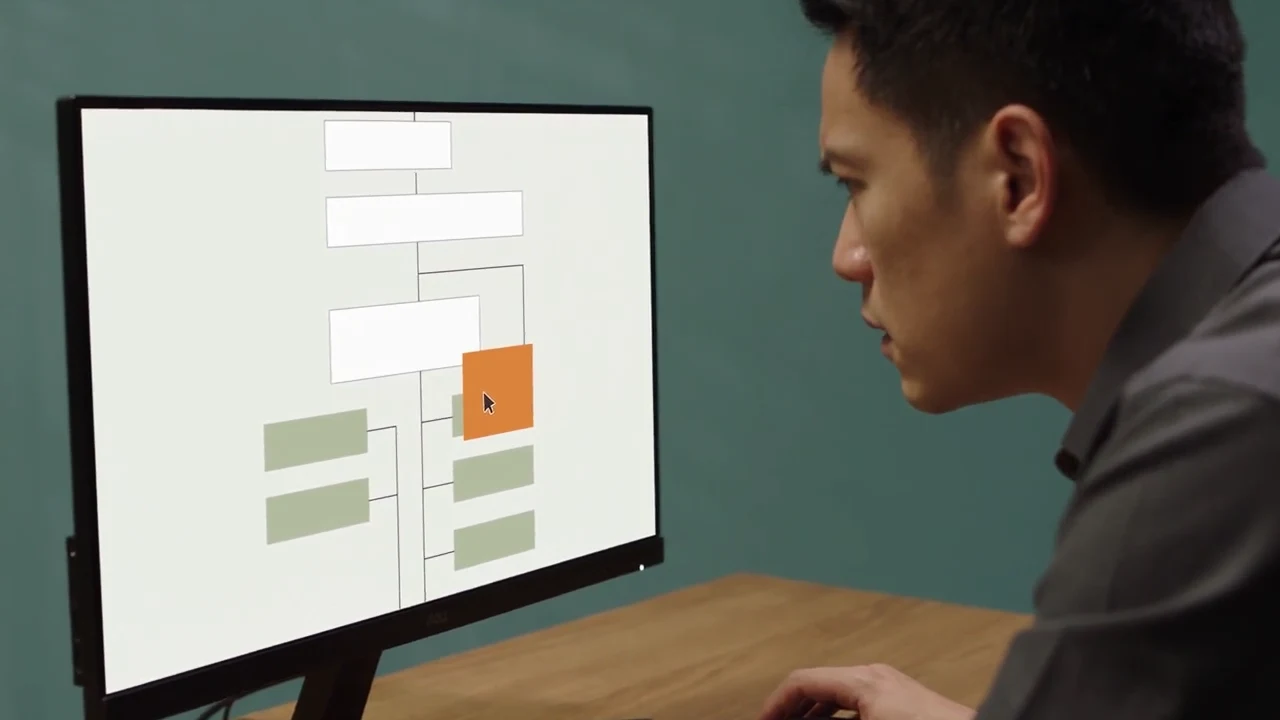
- Requests get forced into fixed options
- Every exception needs another branch
- Rule changes mean reworking the flow
Connect your knowledge and tools to a front-desk that works the way you do. Reach customers across your chosen channels and keep improving your service to build lasting relationships.

01 Setting up
Real requests don’t follow a fixed path.

Powered by Bletchley
Understand what people are asking.
Know what it can say and what it cannot.
Trace the data, rules and actions.
Your knowledge and rules behind every reply.
Fluent replies still need business control.

02 Channels

Visitors ask without leaving the page.
Install the Bletchley app and the front-desk is live. No code.
03 Improve
Use real conversations to find gaps in answers, refine the guidance behind them, and test changes before publishing. Then review the next conversation and repeat.
Better conversations.
Review. Refine. Repeat.See what customers asked, how your front-desk responded and where your team needed to step in.
Check the answer against your records and policies. Look for missing information, unclear replies or requests left unresolved.
Refine the business knowledge, rules or tone behind the reply, so the change addresses the gap you found.
Try the revised response before it goes live. Publish when it is ready, then review new conversations and repeat.
Bring your business knowledge to a Virtual Front-Desk your customers can rely on, from the first enquiry to the next conversation.